About this Device
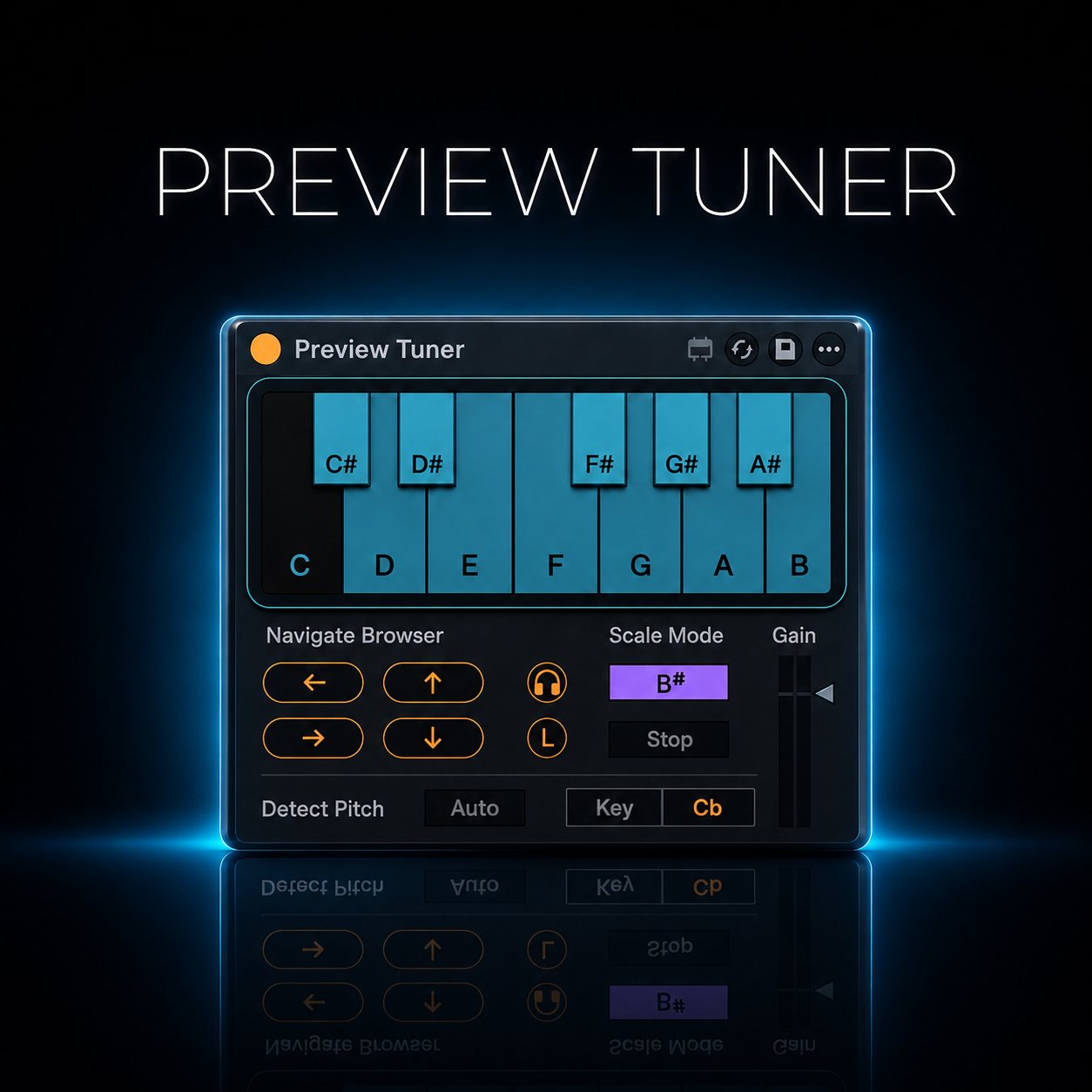
How curious that Ableton still hasn't included this feature, but that's exactly why we exist. Preview Tuner does what it says on the tin: it lets you hear your sounds in tune with your project. It includes an algorithm that detects the fundamental frequency of polyphonic sounds and can also read the root note from your file names. As a result, every sound you preview in your browser will always be in tune with your session. It can also load the audio clip already tuned to the project using Ableton's Complex Pro algorithm, which is apparently the best way to keep it free of artifacts. The clip can always be repitched to a note that is part of the scale without pitching twice, it works in real time for preview. Once loaded, you can control it in Ableton using shortcuts or a MIDI controller.
Changelog - Version 1.0.1
New Features
Cue volume linked to Master Track cue volume
The device’s cue volume control is now connected to the Master Track’s internal cue volume. Adjusting one updates the other for consistent monitoring levels.
Bug Fixes
Prevent unintended deletion of highlighted clip at runtime
Fixed an issue where the device would incorrectly delete the currently highlighted clip during runtime. The highlighted clip now stays intact as expected.
Load clip in Arrangement View at playback mark
Resolved a bug that prevented loading a clip directly into the Arrangement View at the current playback cursor position. Clips now land exactly where the playhead is.
Special thanks to Connor Patrick McDonough – https://www.mcdonoughproductions.com; it's his idea, and he currently uses it in his workflow. Contact me if you have a Max for Live device idea. I may like it and realize it for you.
.png)
.gif)
.gif)